

Visual inspection
Web UI
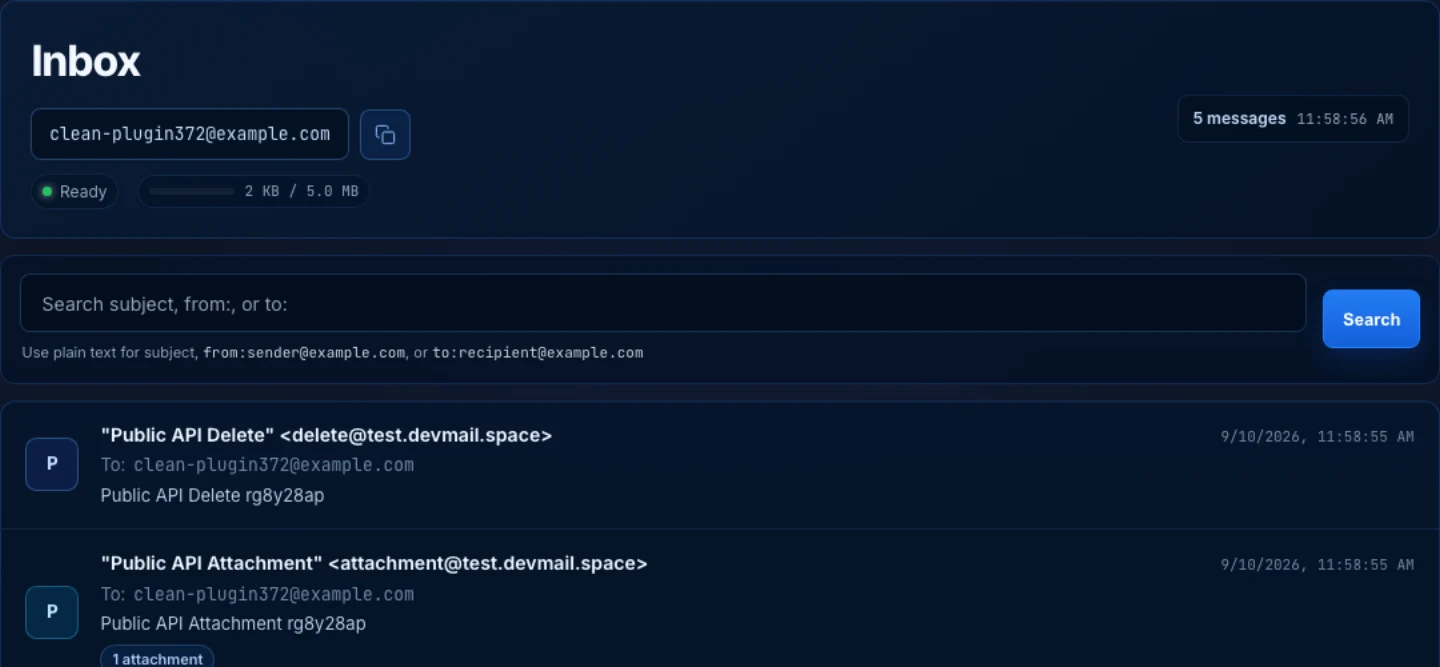
- Review inbox messages with subject, sender, recipient, and received date and time.
- Open plain text and HTML content for manual QA verification.
- Manage account settings and API keys from one place.
Built for QA and development teams
DevMail gives developers and QA teams a persistent email testing inbox. Inspect received messages in the web UI, automate checks with the REST API, and connect AI agents through MCP.
Create a persistent testing inbox for QA teams running release checks.|
Create a free account to generate your persistent inbox address.
Already have an account? Sign in
https://mcp.devmail.space/mcp 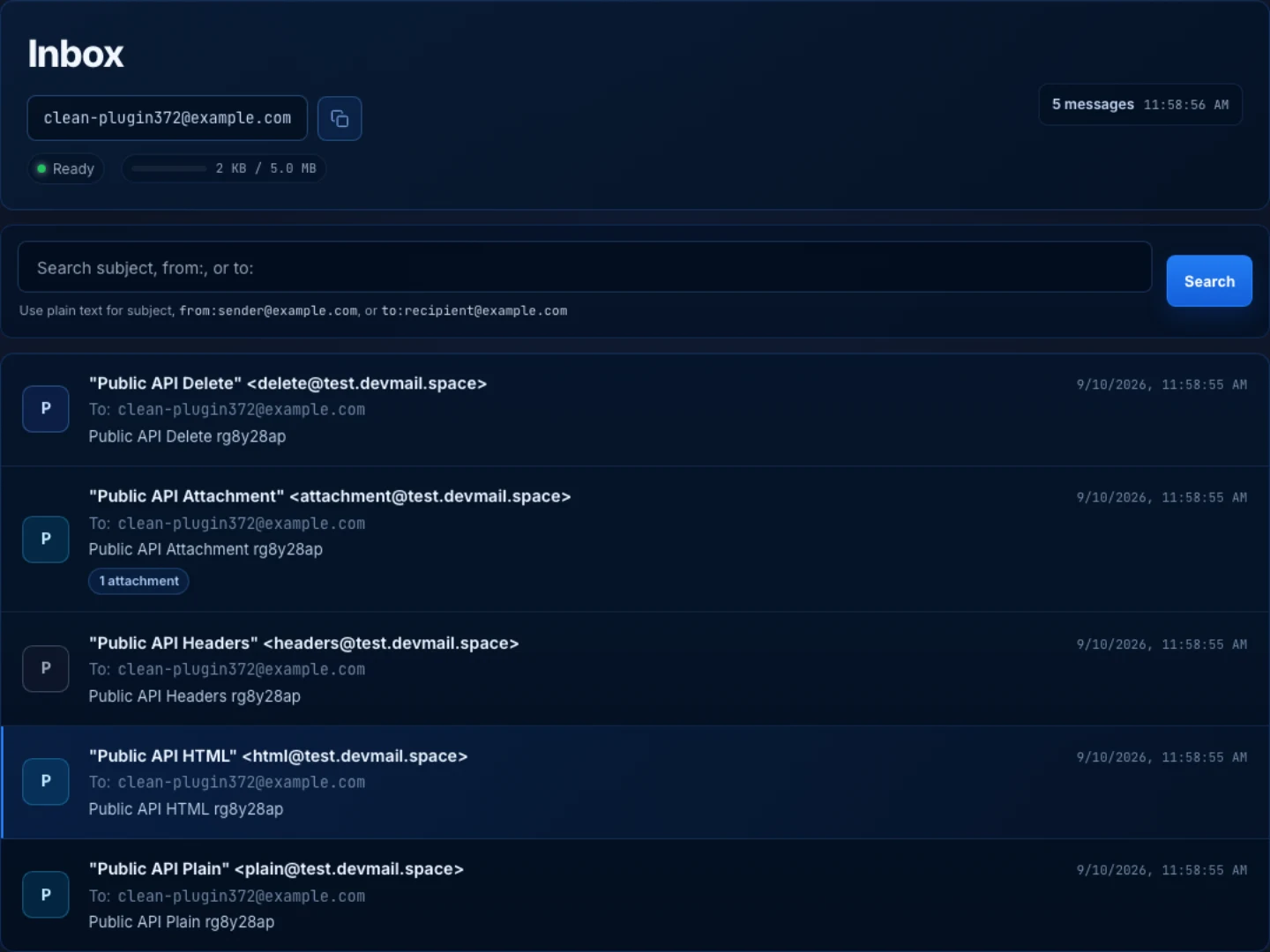
DevMail is delivered as a visual Web UI and an API for programmatic checks.
Keep the same email flow from local debugging to automated verification in CI without changing tools.
Use one generated mailbox per user for repeatable test scenarios.
Receive test emails quickly and verify them predictably through the DevMail API.
Validate templates, variables, links, and rendered email content quickly.
Access PDF and image attachments with secure, reliable download functionality.
Shared inbox mean no more manual forwarding of test emails.
Run repeatable email checks in CI and staging to confirm emails arrive and contain the expected data before release.
Route inbox+tag@domain to one inbox for scenario-based testing.
Register once and receive a unique persistent testing inbox.
Point signup, notification flows to your generated inbox address. You can segment tests with plus-address aliases.
Inspect message content manually to catch template and logic issues.
Generate API key in your account settings.
Assert message delivery and content from CI via API endpoints.
Inbox messages are automatically cleaned up.
Designed for practical client workflows across engineering and QA teams.
Confirm key transactional emails are delivered and readable before deployment.
Block merges when expected emails are missing, malformed, or delayed.
Spot visual or content regressions in onboarding, reset, and notification journeys.
When partners or clients use staging, route only automation-critical flows to a dedicated DevMail inbox for reliable regression checks.
Verify recurring emails from external services without inbox buildup. Use DevMail for periodic checks while old messages clear automatically.
Verify signup, password reset, invite, and magic-link flows quickly in one persistent inbox without extra setup overhead.
How DevMail fits into development, QA, and automated test workflows.
See Terms and Conditions and Privacy Policy.
Start validating today
Create an account for UI checks, then generate API keys for automation.